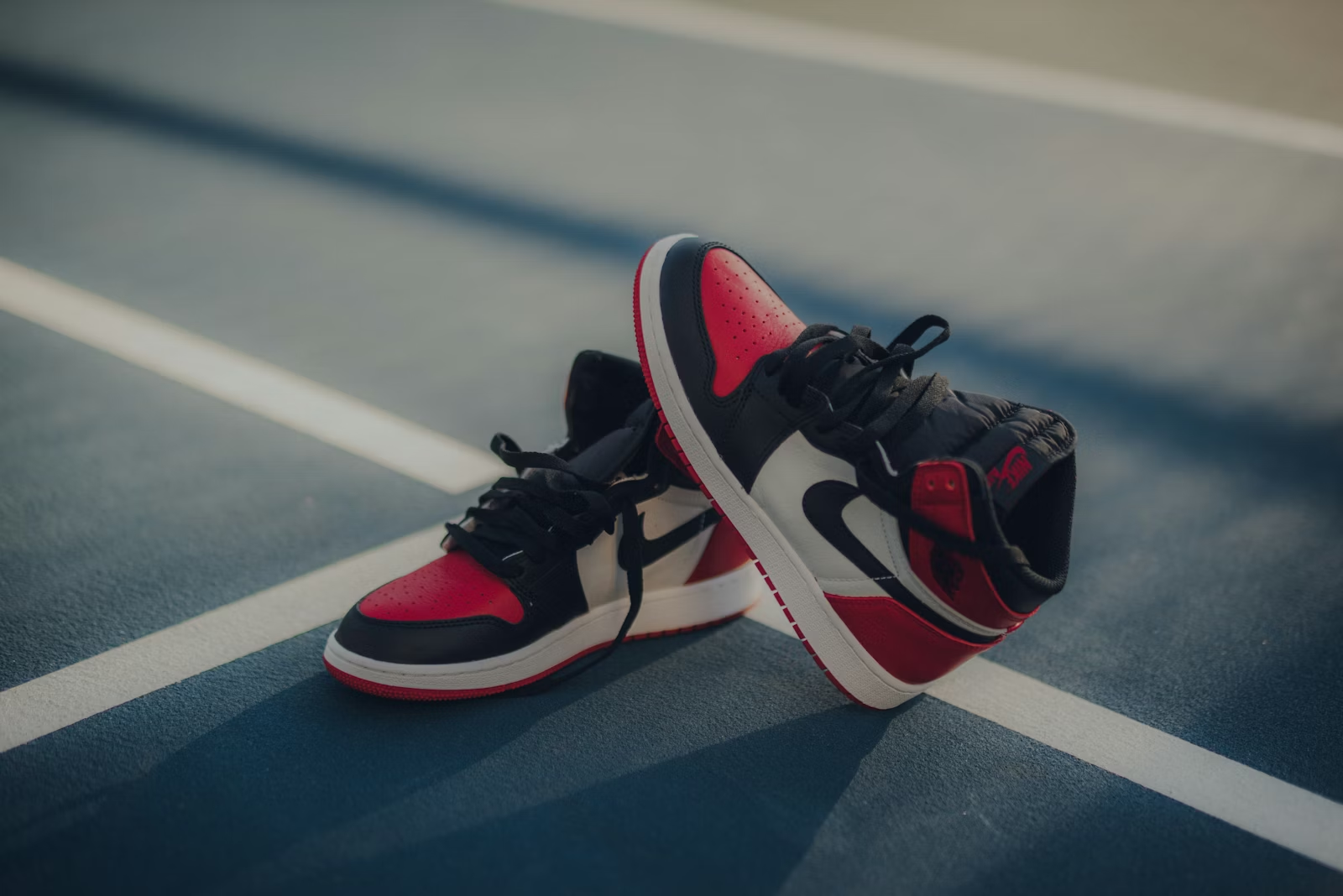
If you are selling on Amazon, eBay, or Shopify, you know the bottleneck: Photography Post-Production. Processing 500 SKUs manually in Photoshop can take weeks. This guide shows you how to do it in minutes.
The Cost of Manual Editing
Standard outsourcing costs for background removal range from $0.50 to $2.00 per image. For a catalog of 1,000 items, that is $500 to $2,000 straight out of your margin.
More importantly, it costs time. In the fast-paced world of e-commerce, getting your product specifically listed today versus next week can determine your seasonal success.
🚀 The Solution: AI Batch Processing
Using ClipBG Batch Editor, you can drag-and-drop hundreds of raw photos. Our system automatically:
- Detects the subject (Product/Model).
- Removes the background with pixel-perfect edge handling.
- Replaces it with Pure White (#FFFFFF) (Amazon standard) or transparent.
- Auto-crops and centers the product.
Step-by-Step Workflow
- Prepare your files: Ensure your images are JPG, PNG, or WebP formats up to 25MB each.
- Upload to Workspace: Navigate to the Batch Tool.
- Verify First: Our system processes a preview instantly. Check the edge quality on hair or complex textures.
- One-Click Export: Download all images as a single ZIP file, ready for upload to your CMS.
Why Consistency Matters
Marketplaces like Amazon have strict algorithms. Images with messy backgrounds or inconsistent white space get penalized in search rankings. Automating this ensures 100% compliance across your entire store.
? Frequently Asked Questions
How many images can I process at once?
Currently, you can upload **100 to 1,000 images** per batch. We are actively upgrading our server infrastructure to gradually increase this limit for all users. Stay tuned for larger capacity updates.
Does it support transparent objects like glass bottles?
Yes. Our proprietary AI engine utilizes advanced semantic segmentation to handle semi-transparent objects, lace, and glass with professional precision.